Guide 1 of 13 · Start here · Zapmail, Instantly, Google Sheets
How Bold's cold email works
Updated Sep 30, 2026
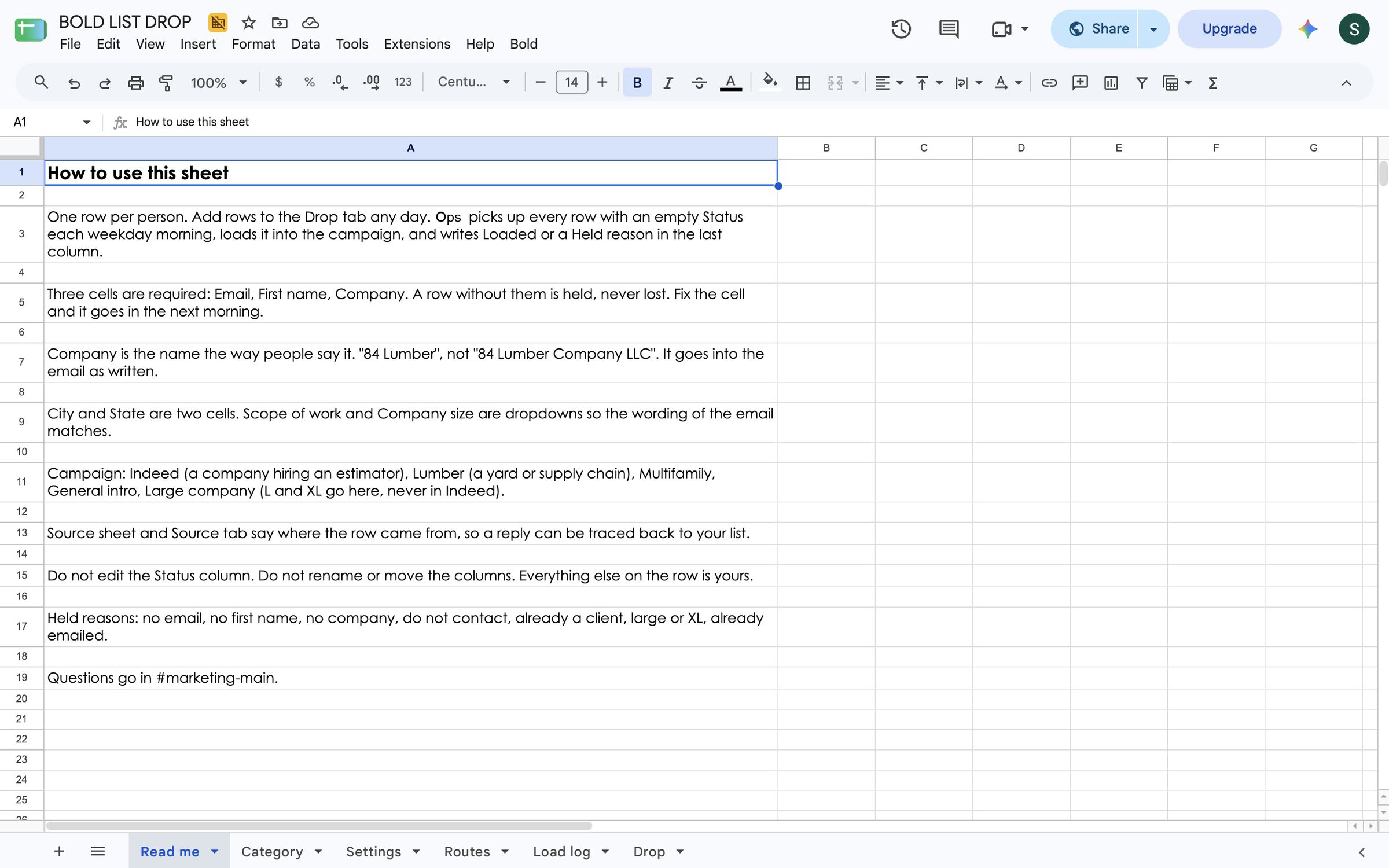
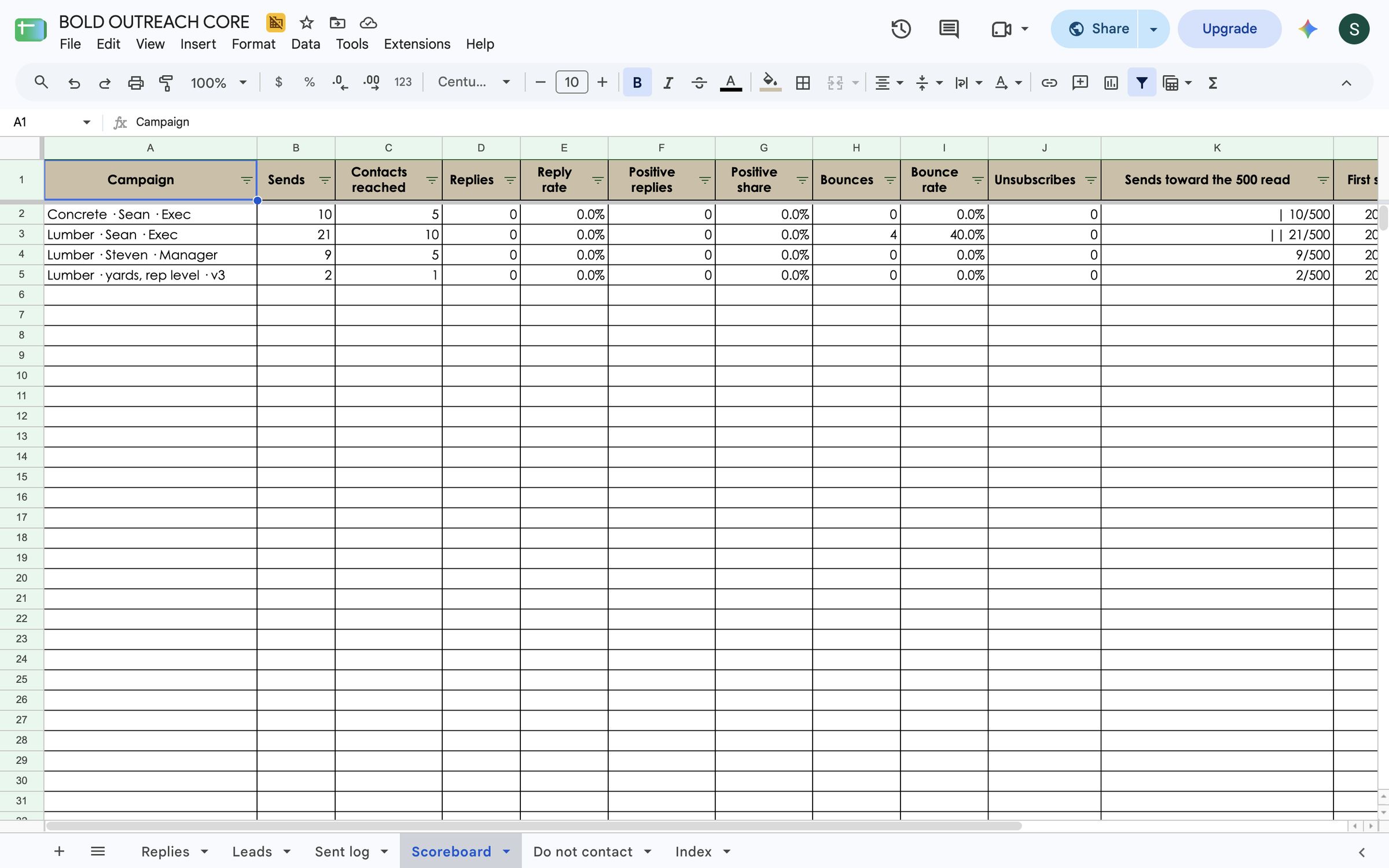
Bold sends short, plain emails to contractors and suppliers who have never heard of it. Three tools do the work: Zapmail holds the sending addresses, Instantly sends the emails and collects the replies, and two Google Sheets hold the lists and the results. This guide shows each one and explains the words the other guides use.
7 steps3 min1 watch-out
Watch it first: how Bold's cold email works in one short video
Screens recorded Sep 30, 2026 in Bold Estimation's Zapmail, Instantly and Google accounts. Names, email addresses and phone numbers of real people are replaced with placeholders or blurred, and typed examples are made up. If a screen looks a little different, the tool has updated: find the same label nearby.
1
Step 1: Zapmail holds the domains
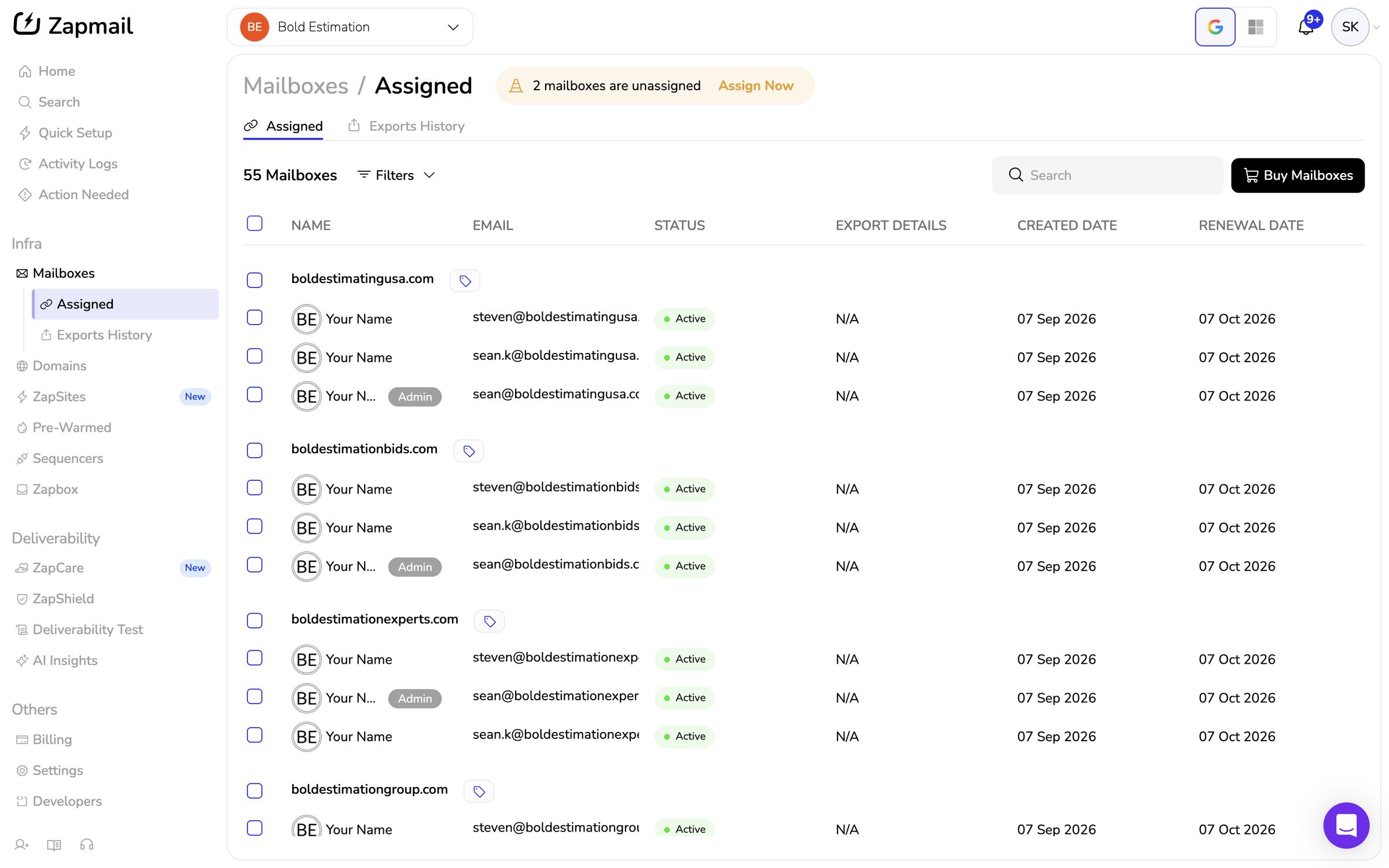
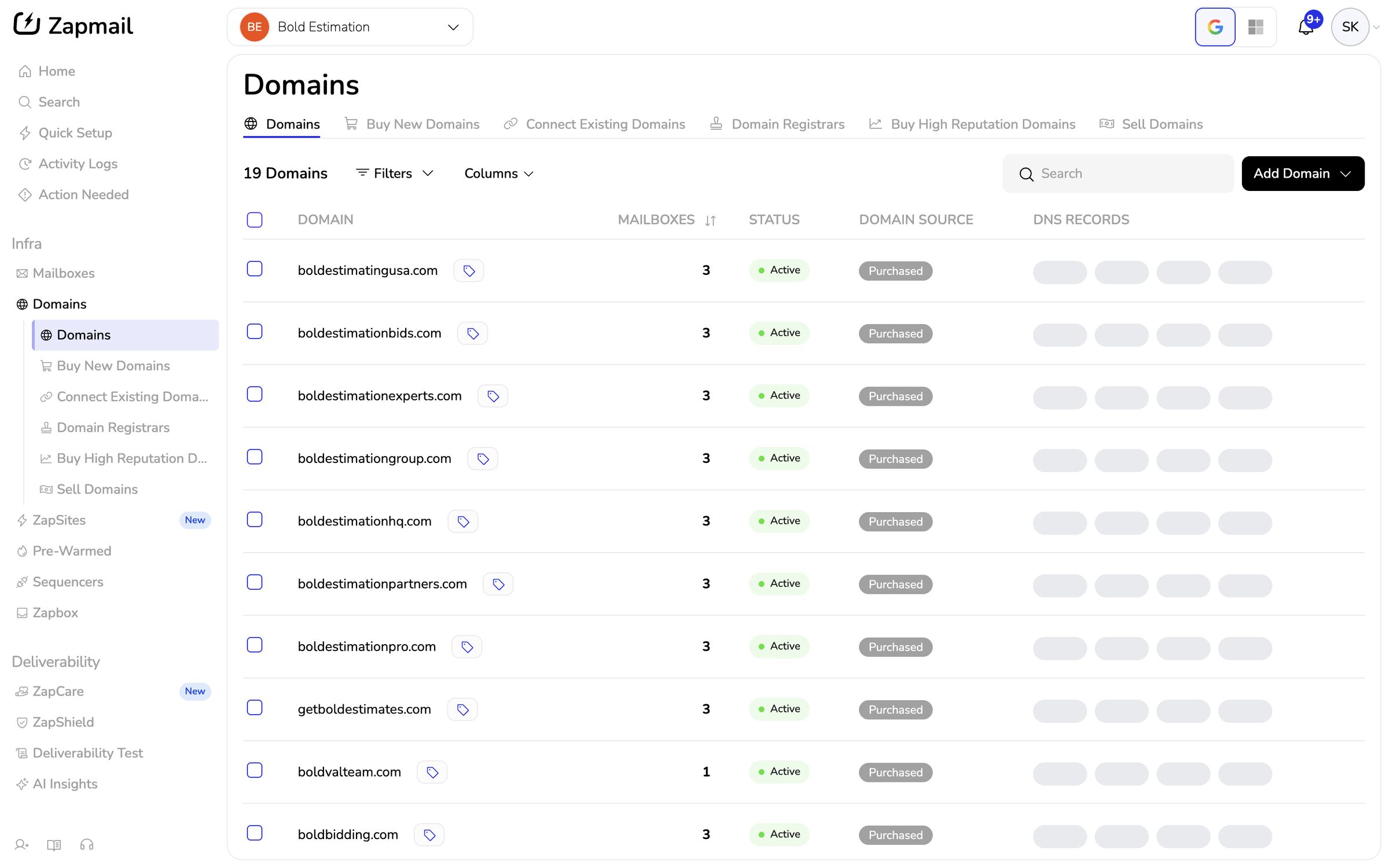
Bold's cold email runs on three tools. The first is Zapmail. It holds the domains, the extra web addresses Bold sends cold email from.
Watch out. Cold email never goes out from Bold's main company address. If one of these extra domains gets marked as spam, the main address and everyday email stay safe. Keep it that way: send campaigns only from Zapmail mailboxes.
2
Step 2: Each domain has mailboxes
Next, Mailboxes.
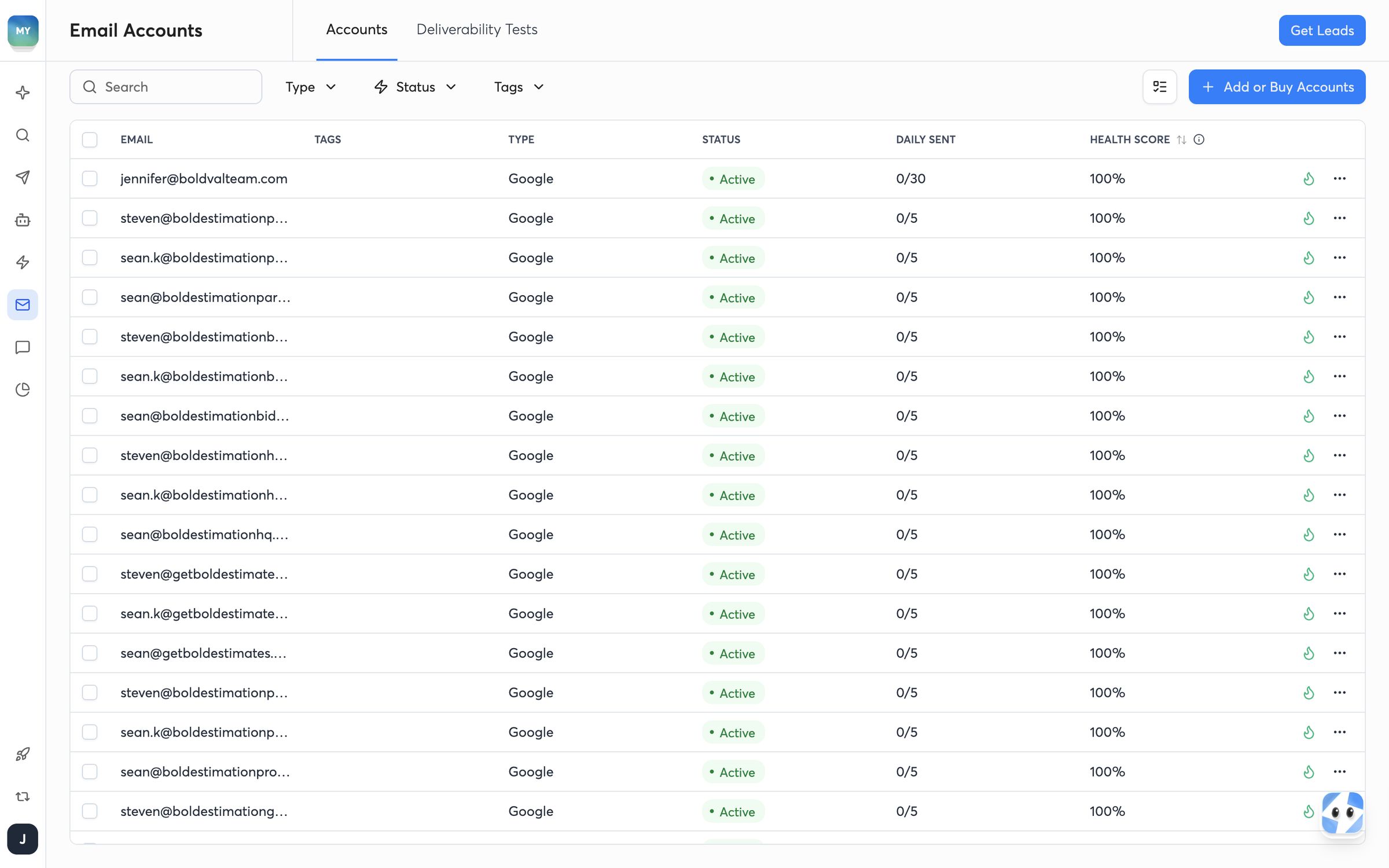
Each domain holds three mailboxes. A mailbox is one sending address, and this page lists every one.
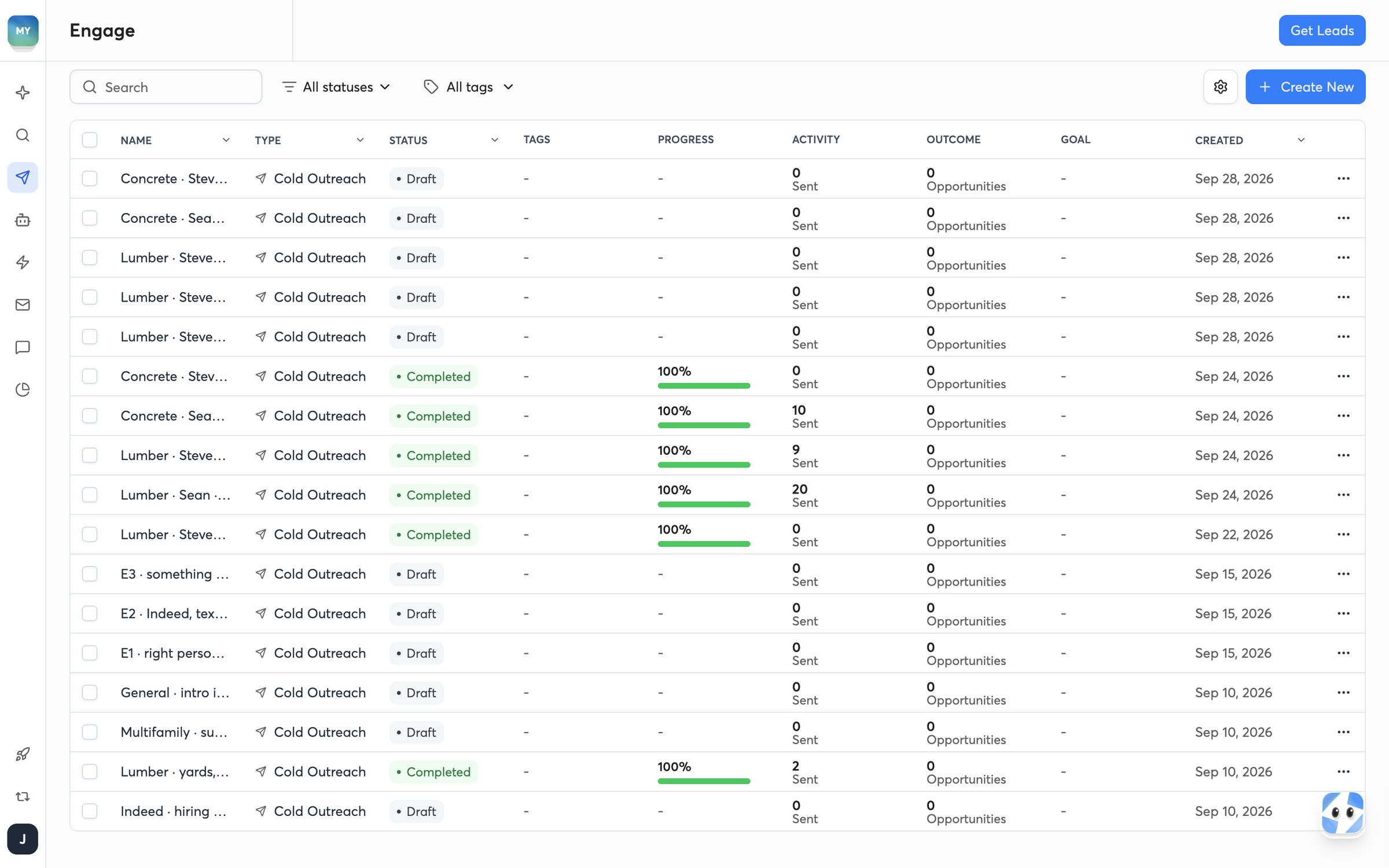
A campaign is one group of people and the emails they get. Engage lists every campaign, and Status shows whether each one is a draft, sending, on hold or finished.
A web address, like boldestimationhq.com. Bold owns extra domains only for cold email, so the main company address is never at risk.
Mailbox
One email address on a domain, like sean@boldestimationhq.com. Each domain has three.
DNS records
Settings on a domain that prove it is allowed to send email. The four that matter are SPF, DKIM, DMARC and MX.
Warmup
Friendly background emails that Instantly trades between mailboxes, so inboxes learn to trust a new mailbox. A new mailbox warms up 19 days before it sends a campaign.
Health score
Instantly's measure of how well a mailbox's emails land. 95 percent or higher is healthy.
Bounce
An email that could not be delivered, usually because the address does not exist. Keep bounces under 2 percent of emails sent.
Daily limit
The most campaign emails one mailbox sends in a day. It starts at 5 and grows by 3 a week, up to 20.
Campaign
One group of people and the emails they get, sent from a chosen set of mailboxes.
Sequence
The emails inside a campaign, in order. Bold uses two: a first email, then a short follow up three days later.
Lead
One person in a campaign, with an email address, first name and company.
Unibox
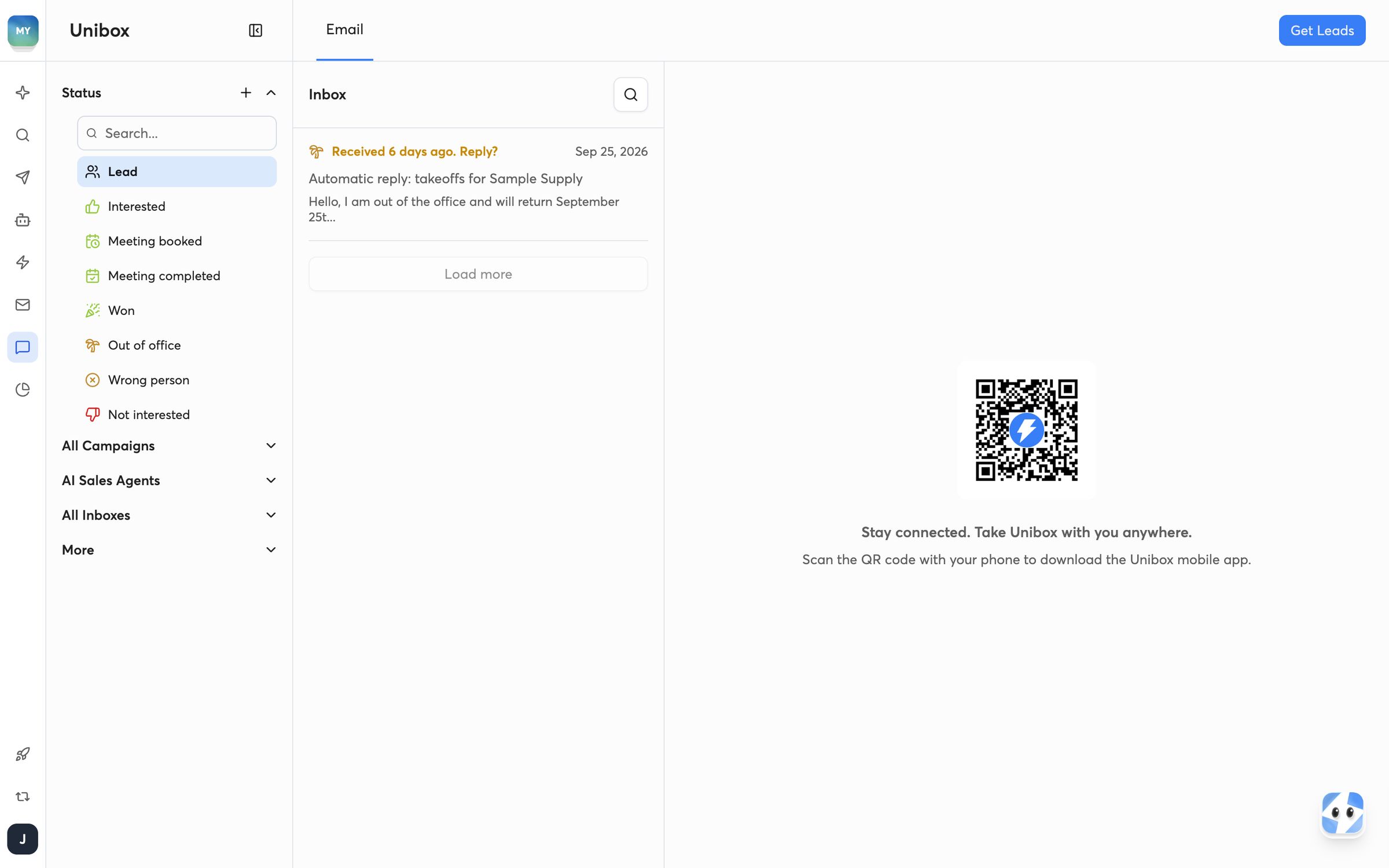
Instantly's single inbox. Every reply to every mailbox lands there.
Blocklist
Addresses and domains Instantly will never email again, for example a company that said no.
1 watch-out to keep in mind
Before you click
Cold email never goes out from Bold's main company address. If one of these extra domains gets marked as spam, the main address and everyday email stay safe. Keep it that way: send campaigns only from Zapmail mailboxes.

 Full size